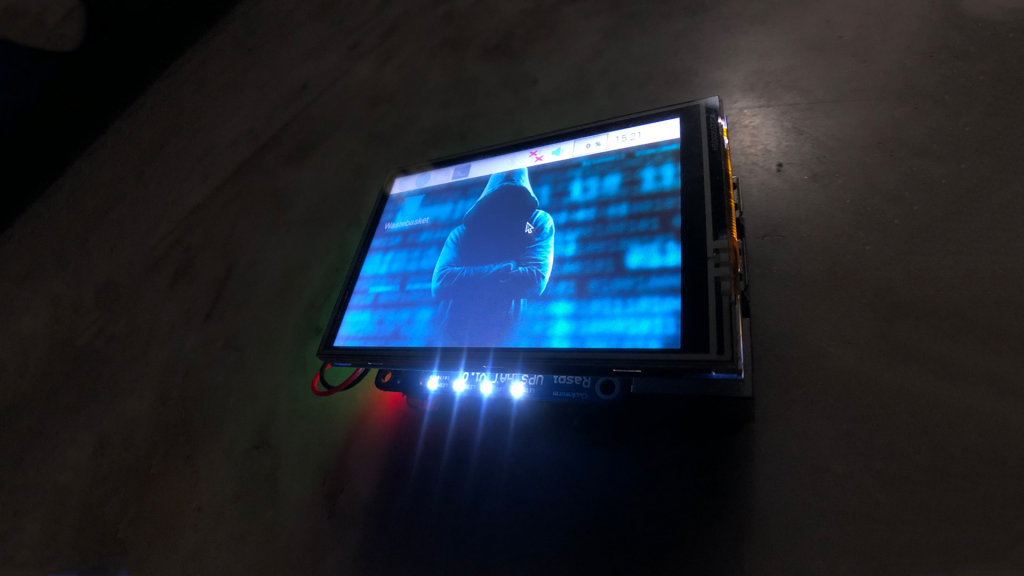
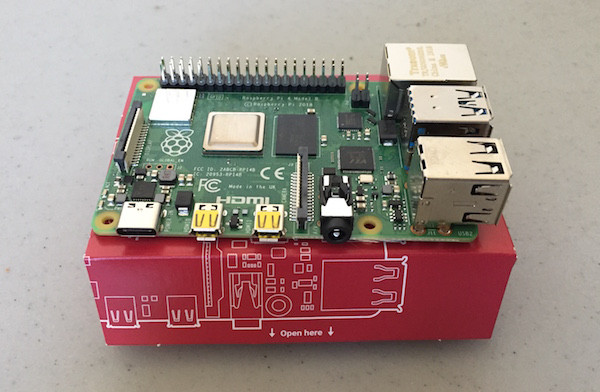
Getting Started With Windows 10 IoT Core for Raspberry Pi
https://makerv2.webteractive.co/raspberry-pi/tutorial/getting-windows-10-iot-core
Windows 10 IoT core is a cut down version of Windows 10, created for designing with systems such as the Raspberry Pi.
Optimising Thermal Management Measures for Electronics Design
https://makerv2.webteractive.co/blog/design-measures-to-prevent-overheating-in-electronics
Overheating is one of the biggest challenges that engineers face while designing products with printed circuit boards and other electronic components.
Get Started with Sense HAT: Automatically Log Weather Sensor Data in a Spreadsheet with an Astro Pi Station
https://makerv2.webteractive.co/raspberry-pi/projects/how-to-build-sense-hat-google-spreadsheet-raspberry-pi-sensor-data
Learn how to build an AstroPi station that gathers temperature, humidity, and barometric pressure sensor data!
Getting Started with the Raspberry Pi 4 Desktop Kit
https://makerv2.webteractive.co/raspberry-pi/projects/getting-started-with-the-raspberry-pi-4-desktop-kit
The Raspberry Pi 4 is a small, powerful mini computer, with dual-screen 4K support, USB 3.0, a new CPU and GPU.
Getting Started with ROS Melodic on Raspberry Pi 4 Model B
https://makerv2.webteractive.co/raspberry-pi/projects/getting-started-with-ros-melodic-on-raspberry-pi-4-model-b
In this post, you will learn how to connect a LiDAR to your Raspberry Pi 4 Model B using ROS Melodic on Ubuntu Desktop 1
Grid Detection With OpenCV on Raspberry Pi
https://makerv2.webteractive.co/raspberry-pi/tutorial/grid-detection-with-opencv-on-raspberry-pi
Learn about OpenCV and visual pattern detection techniques by detecting the grid of a Sudoku puzzle!
Send Text Messages With a Raspberry Pi and Nexmo
https://makerv2.webteractive.co/raspberry-pi/projects/how-to-send-text-messages-from-a-raspberry-pi
Learn how to use a Raspberry Pi, a motion sensor, and Nexmo to send and receive text messages to your phone!